
Editing agents · Create with context
Raw footage to a reviewable edit.
Record the clip. Oryxia's editing agents draft the script, cut the footage, caption and package it for Instagram and TikTok — with your brand attached, and your approval before it is scheduled.
The problem
Standalone clipping tools are brand-blind.
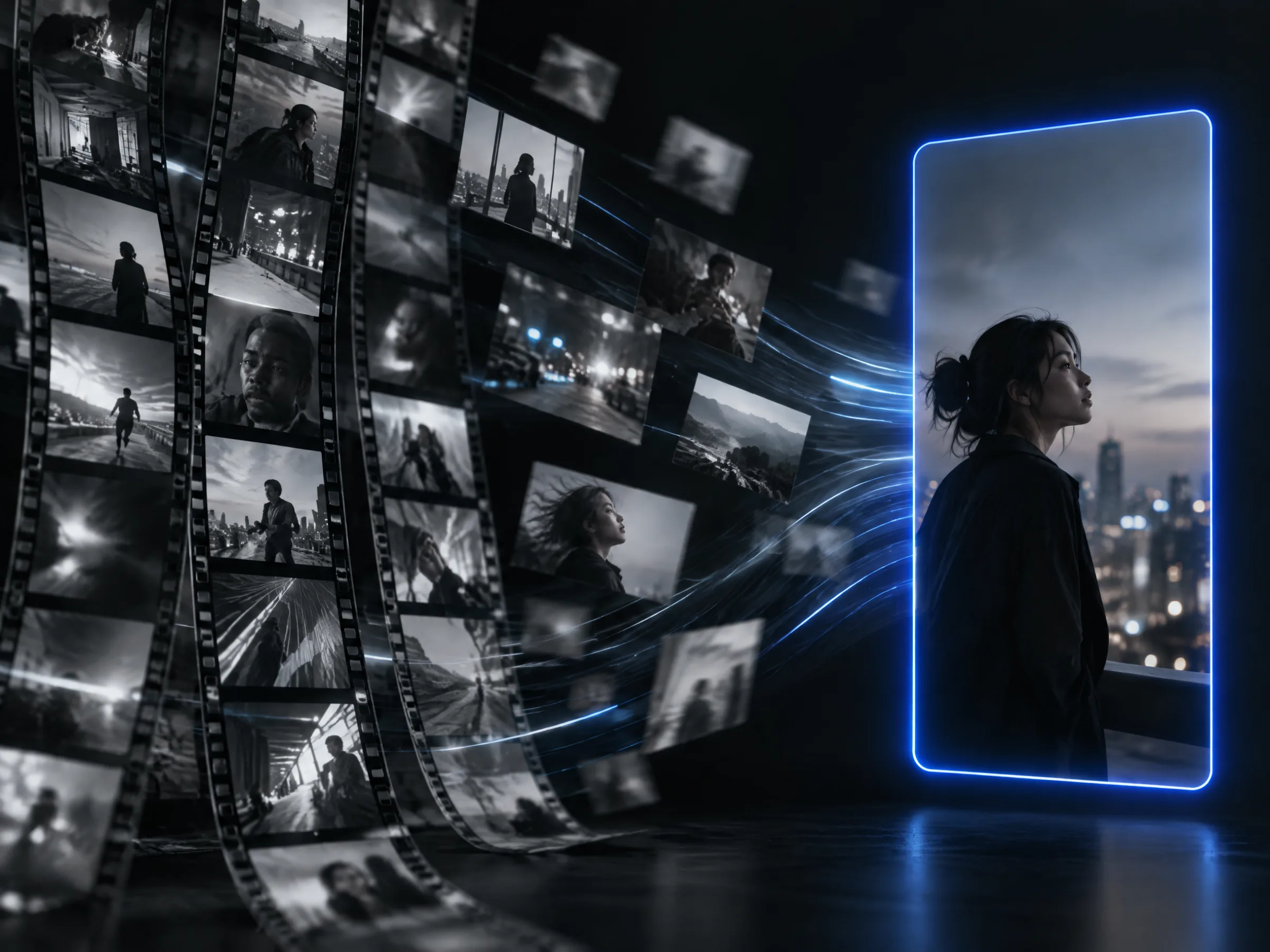
AI clipping tools take a video and cut it with no idea who you are, who you are talking to, or what worked last month. Their own reviewers describe the result as out of context and poorly personalized — and credit-metered on top.
“Clip generation out of context. Poor personalization of the generated reels.”“The promise 'AI' in their name is only propaganda, is not an intelligent app.”Walkthrough
Script first, then the edit, then your approval.
Video is part of the same pipeline as everything else — it starts from a brief and ends in a scheduled post you approved, not in a folder of clips.
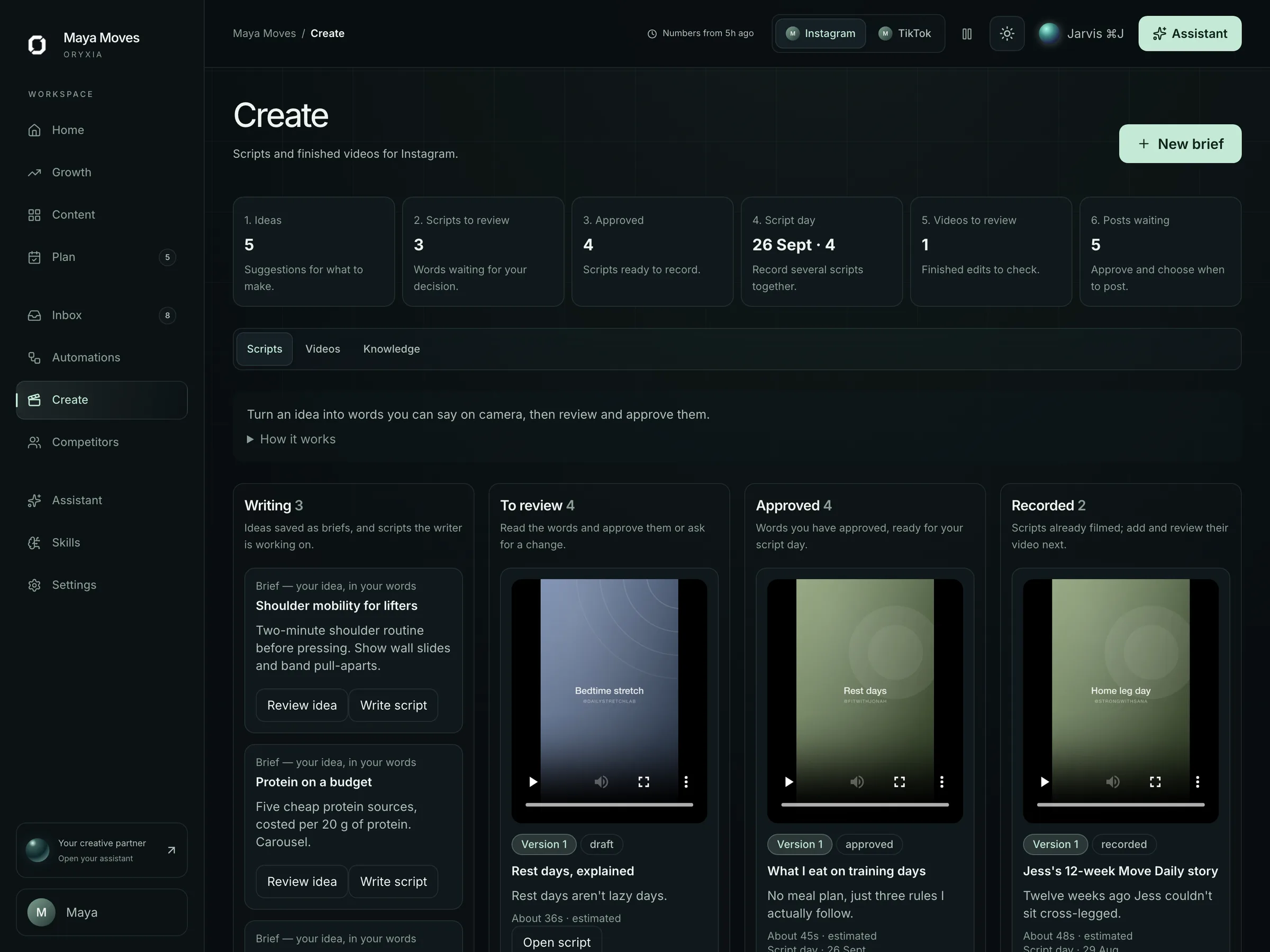
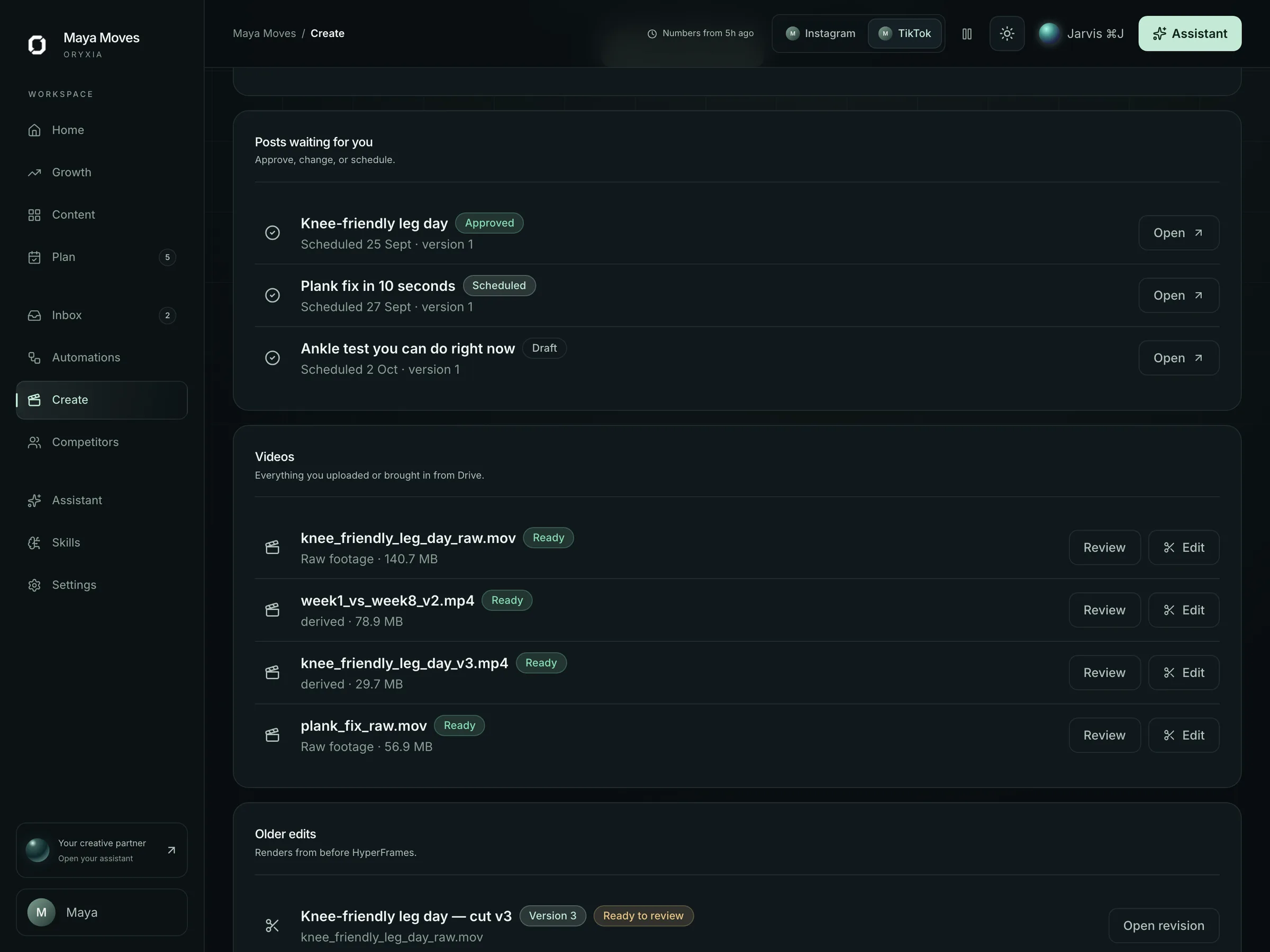
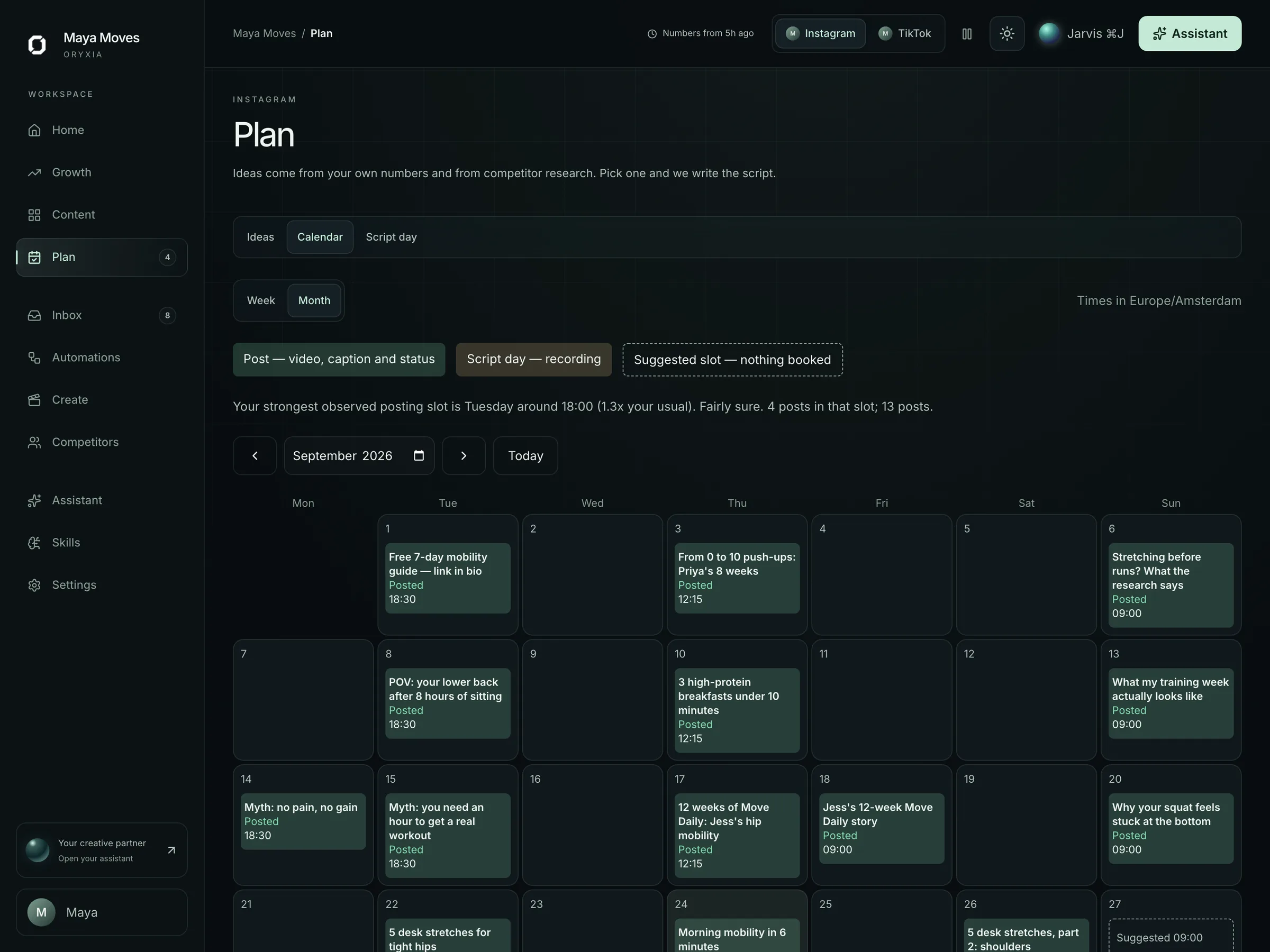
Fictional demo data · A script from the brief
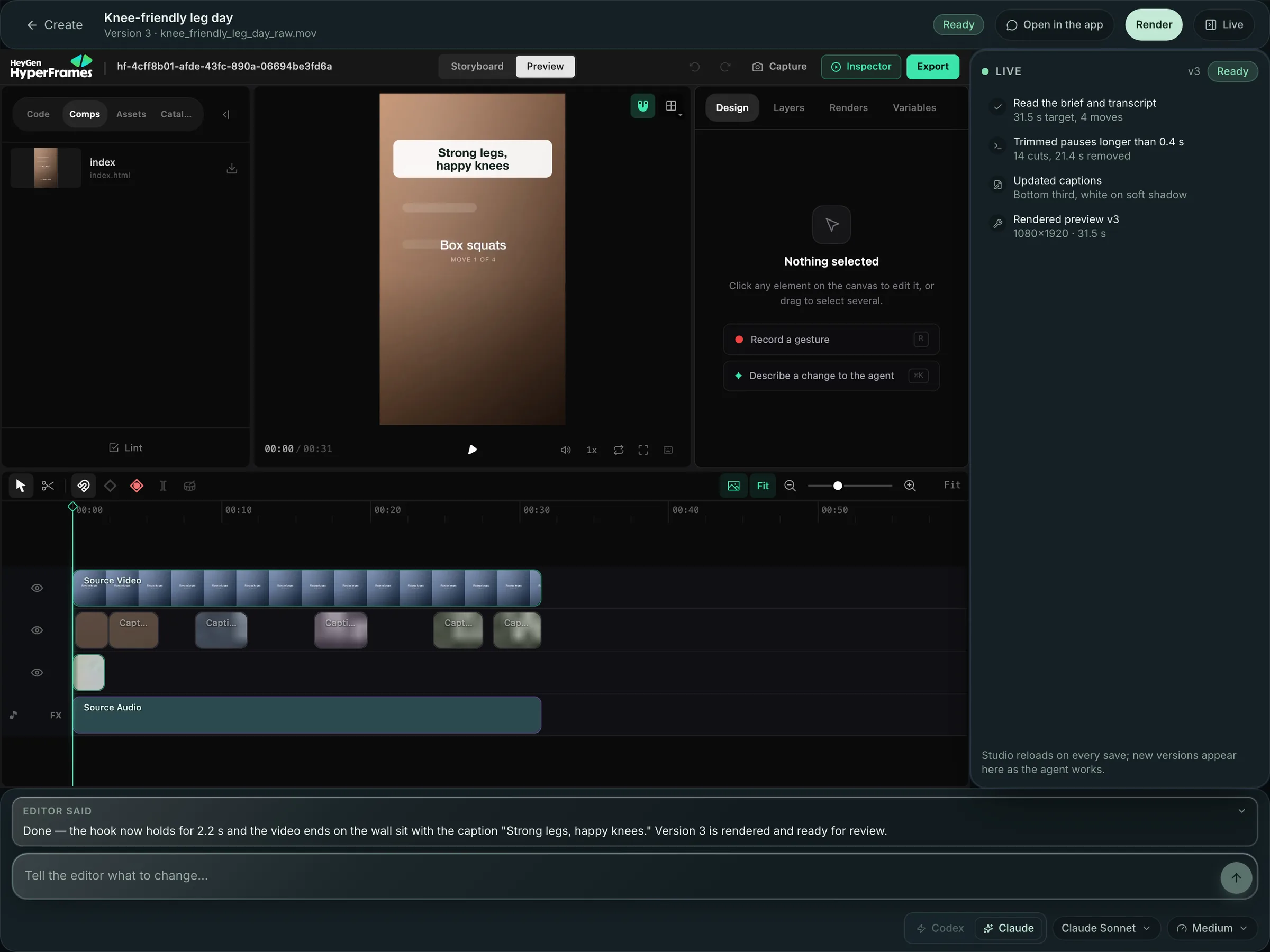
Edit timeline
A proposed cut you can read at a glance.
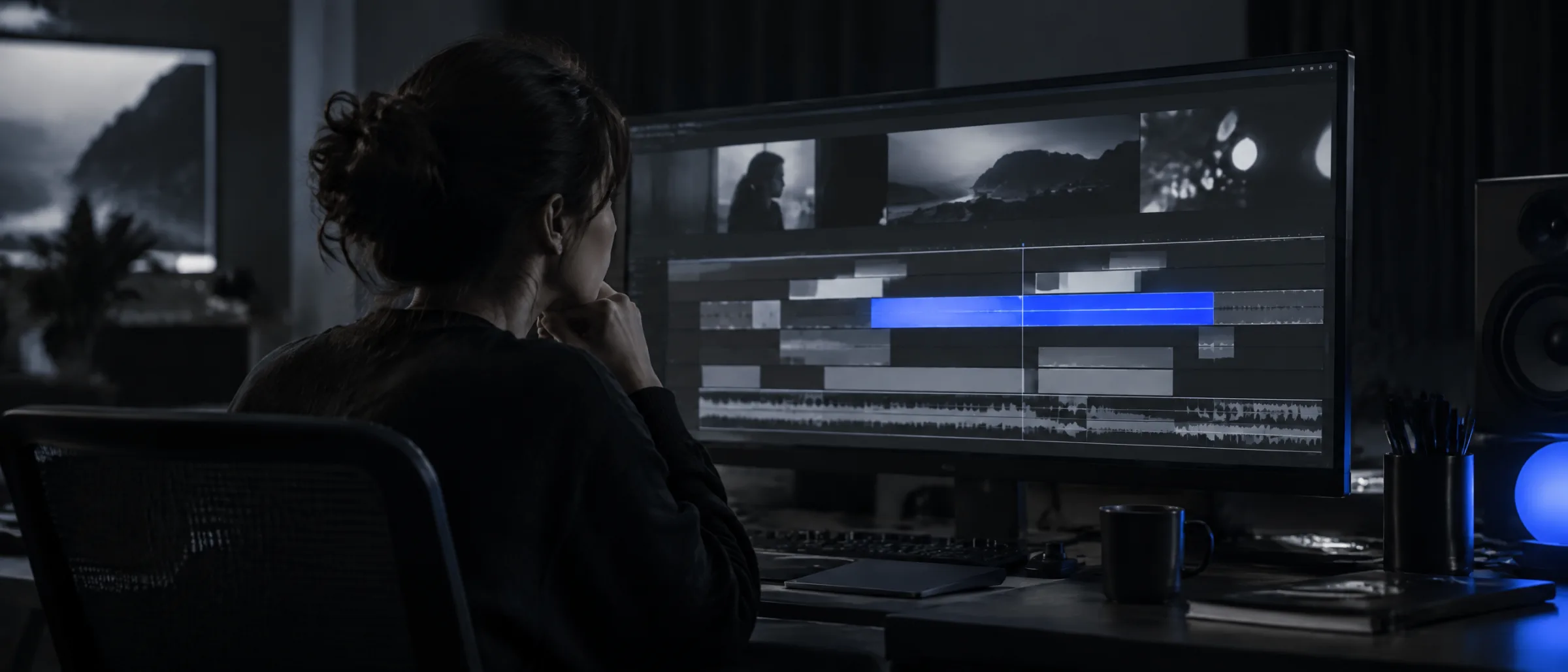
Cuts, captions, on-screen text and pacing laid out on a timeline, with each decision explained — why the hook moved to the first second, why a pause was trimmed. Change anything before you approve.
Editing agents
Agents built on a video SDK — that wait for you.
Specialised editing agents run on a programmable video pipeline: one cuts and paces, one writes and times captions, one packages covers and formats per platform. They work in parallel on your raw footage and hand back a draft edit. None of them schedules or publishes anything.
- Cut & pacing agent
- Caption & on-screen text agent
- Packaging agent: covers, formats, hashtags
- Every output lands as a draft for review

In detail
Brand context attached
Every edit knows your voice, your rules and what performed. It is not a generic clipper with your logo on it.
Flat, stated limits
Up to 12 AI video edits a month on Starter; unlimited on Growth and above. No credits, no clawbacks.
Review before anything moves
A draft edit is visibly a draft. Nothing is published, scheduled or exported without approval.
Your footage, your storage
Media lives in your workspace. Studio/Agency plans can connect Drive or cloud storage on request.
Paid generation is separate and opt-in
Avatar or generated video is metered at verified provider cost plus a stated margin, only if you turn it on, and priced publicly before it is available.
Honest about what it is
Oryxia is not a full editing suite. It gets you from raw footage to a reviewable, on-brand cut fast; complex edits still belong in an editor.
12 AI video edits a month on Starter. Unlimited on Growth and Studio/Agency.Compare plans
The edit is a draft until you approve it.
Video carries the most reputational weight of anything you publish, so the review step here is the same as everywhere else in Oryxia — explicit, visible, and yours.
- 1A script is drafted from the brief.
- 2You record; Oryxia proposes the cut and packaging.
- 3You review the edit and approve, request changes, or reject.
- 4The approved post is scheduled; performance feeds the next brief.
Fit check
Who this is for — and who it isn't.
We would rather lose a sale than sell you the wrong tool. If the right-hand column sounds like you, we will say so on the call.
A good fit if…
- You film yourself but editing is where the week disappears
- You want cuts, captions and packaging that already know your brand
- You want to review an edit, not build one from scratch
- Short-form vertical video for Instagram and TikTok is the format that matters to you
Not the right fit if…
- You need long-form, cinematic or multi-camera editing — that still belongs in an editor
- You want someone to film for you
- You want AI-generated avatars posted without review
What we need from you
Oryxia drafts. It still needs a few things only you have.
Setup is a working session, not a questionnaire. These are the inputs every draft is built from.
- 1Raw footage — you record, the editing agents prepare the cut
- 2A script or brief to edit against, drafted with you in the plan
- 3Your brand context: captions style, rules and what has performed
- 4Time to review each edit and approve, request changes, or reject
Not includedFilming, long-form or complex edits, and any paid generated video you have not explicitly switched on.
FAQ
Fair questions.
01Will it sound like us?
Every draft is generated from your own performance data, the competitors you track, and a brand knowledge base you control — not from a blank prompt. You edit anything before it goes out, and the system learns from what you approve.
Evidence“Generic” and “out of context” are the #1 documented complaints against every AI content tool we studied. Blank-prompt generation is why.
02What tools and accounts do I connect?
Your Instagram and TikTok accounts (two on Starter, up to four on Growth), the competitors you choose to track, and a brand knowledge base you write and edit. For video, you upload raw footage. Drafted replies can carry your existing booking, checkout or waitlist links. Drive, cloud storage or a CRM can be connected on Studio/Agency on request.
03What do I actually receive each week?
A queue of drafts, each with the reason it exists: the week's signal and the evidence behind it, briefs and scripts proposed into your calendar, hook options, AI-prepared video edits for review within your plan's limits, and DM and comment replies drafted in your voice. Growth and above also get the written weekly Signal Report. None of it is live until you approve it.
04We already use a scheduler.
Schedulers consolidate publishing; they don't know your business. Oryxia starts one step earlier — from your own signal — and tells you what to make. Publishing is the last step, not the product.
EvidenceEvery AI feature bolted onto a scheduler we researched is described by its own users as generic or confusing.
Send us one clip.
We will show you the script, the proposed edit and the approval step on real footage — yours, if you like.